Author: Rajeshkannan
-
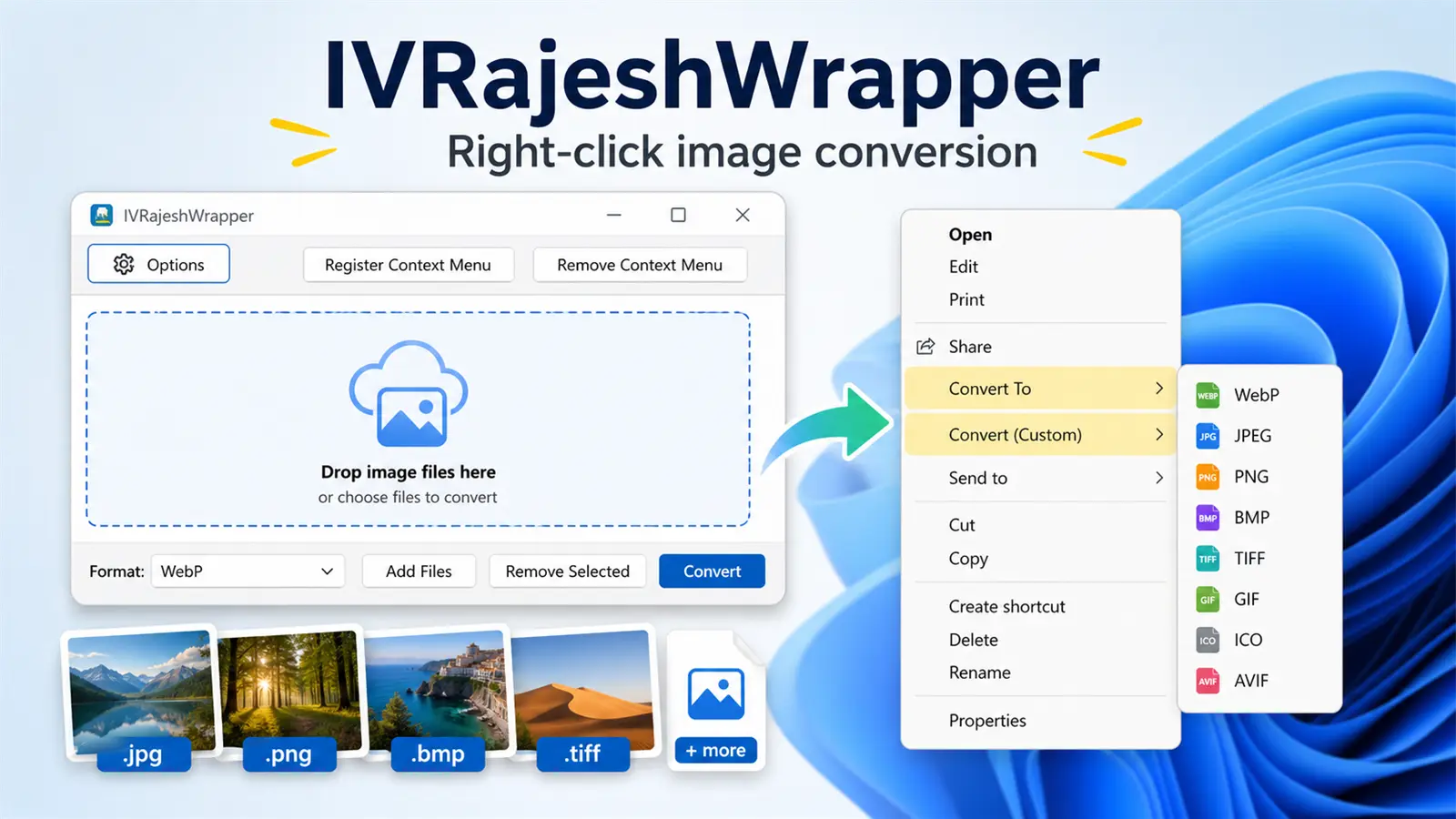
IVRajeshWrapper makes IrfanView conversion faster from Explorer
A small native Windows app for drag-and-drop batch conversion, format presets, and right-click image conversion powered by IrfanView. Windows image utility A small native Windows app for drag-and-drop batch conversion, format presets, and right-click image conversion powered by IrfanView. Download IVRajeshWrapper What is IVRajeshWrapper? IVRajeshWrapper is a lightweight Windows utility that wraps common IrfanView image…
-

RShare: Share Your Card With Just a Link — No App, No Sign-up, No Server
Every “digital business card” service seems to want the same three things from you: an email address, a new account, and your personal details sitting on their servers forever. We always thought that was backwards. You shouldn’t have to register an account just to hand someone your phone number. So we built RShare — a free little…
-

Kotsethe: Search a Place, Point Your Phone, and Walk Towards It
You step out of a railway station or a bus stand in a city you don’t know. You need a hospital, a temple, your hotel. You open the map… and there’s a tangle of streets and a blue line — but in that first disorienting moment, with no sense of which way is which, you…
-

Kaaise: Point Your Phone and Discover What’s Out There
You’re on a rooftop, a train window, a hilltop, or just a road you’ve never driven before. You look toward the horizon and a small question pops up: “What’s that way? Which town is beyond those hills? What’s in this direction I’m heading?” Maps are brilliant at telling you what’s at a point. They’re surprisingly clumsy at answering “what lies…
-
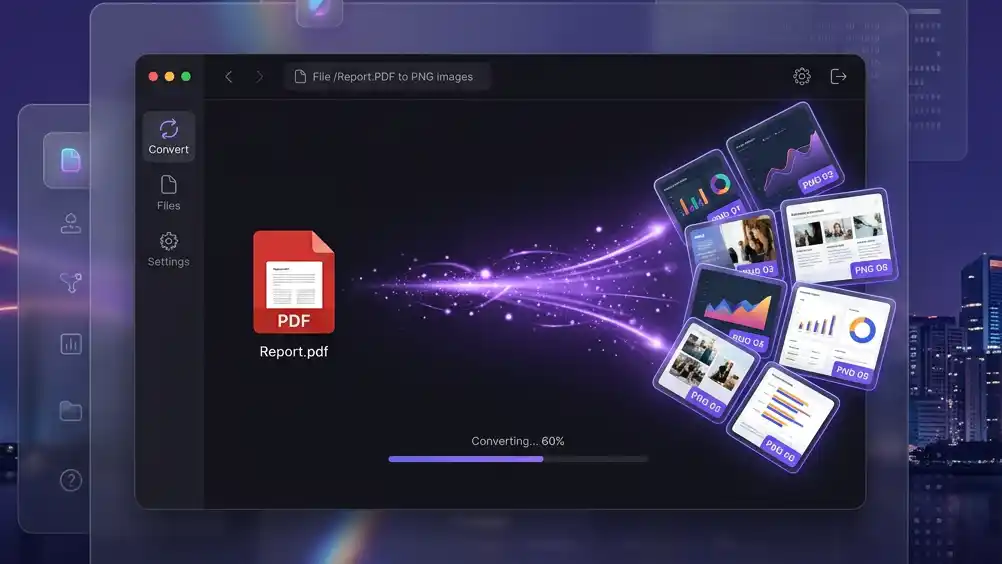
RajeshPDFtoPNG — One EXE, Two Modes, Zero Hassle PDF-to-Image Conversion
We’ve all been there: you need page 7 of a 200-page PDF as a crisp image for a slide deck, a thumbnail pipeline, or an OCR pre-processing step. You fire up a heavyweight editor, wait for it to load, hunt for the export menu, wrestle with quality settings… and then repeat for the next file.…
-
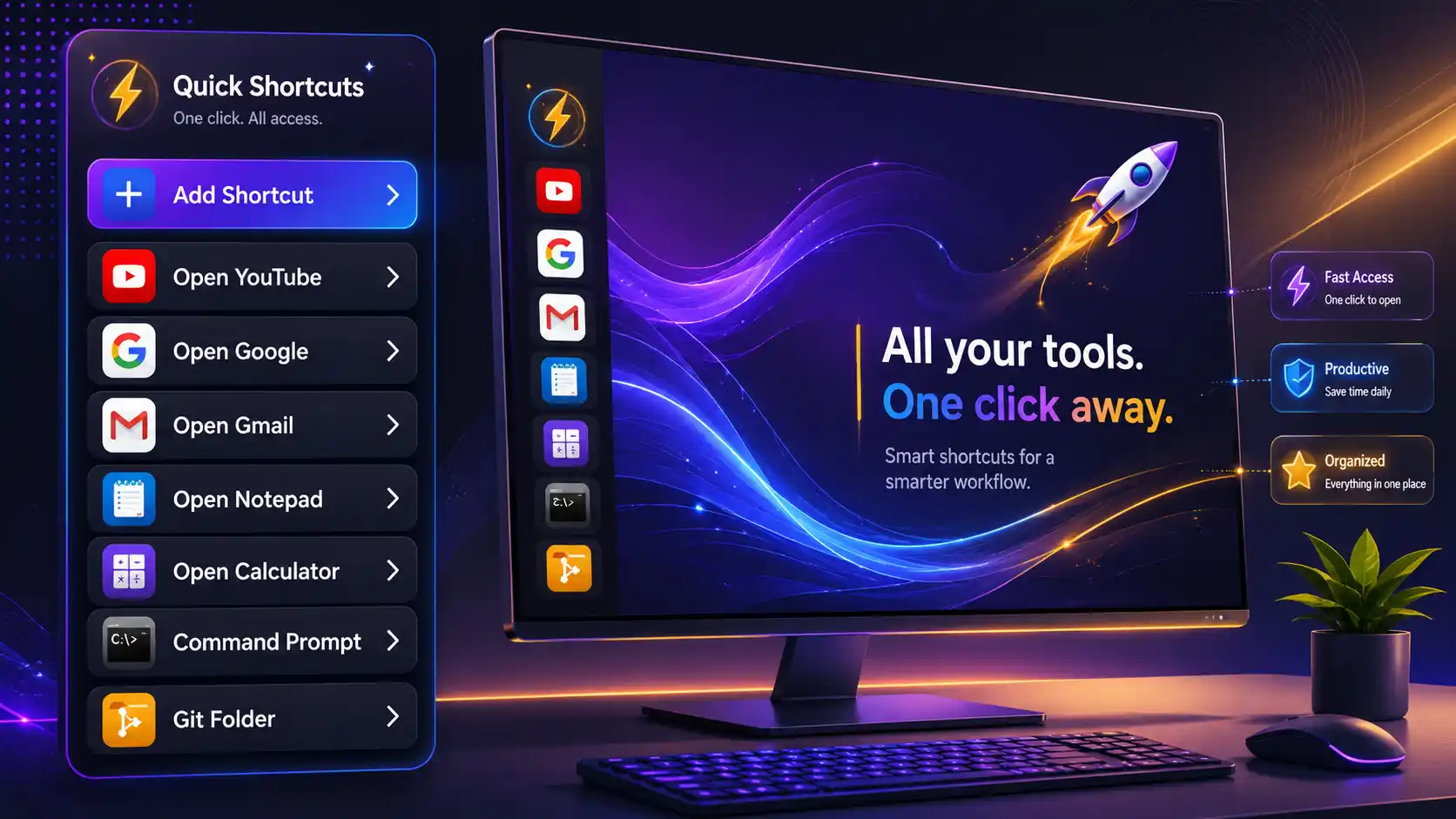
Meet Quick Shortcuts: The Ultra-Fast Sidebar that Keeps Your Desktop Clean
Is your computer desktop cluttered with dozens of icons? Do you find yourself constantly searching through the Windows Start Menu, digging through deep folders, or hunting through browser bookmarks just to open the same few things every day? If so, you need a cleaner, faster way to work. Introducing Quick Shortcuts—a beautiful, minimalist sidebar that stays…
-
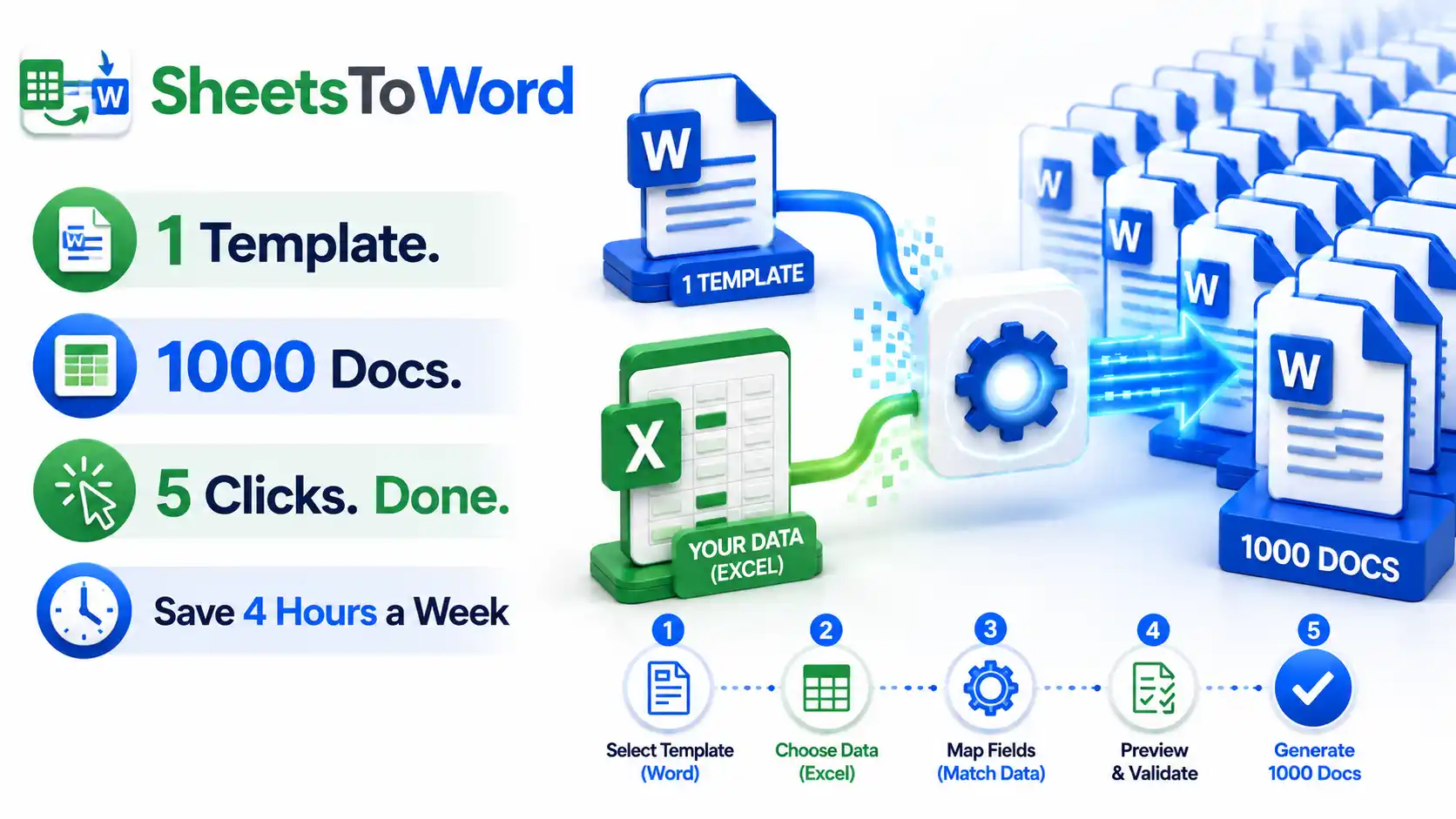
SheetsToWord: Generate Hundreds of Word Documents from Excel in Seconds
If you’ve ever sat at your desk copy-pasting names from a spreadsheet into a Word certificate template — one row at a time, fifty rows in — you know the special kind of exhaustion this work creates. It’s not hard. It’s not creative. It’s just long. And every cell you paste is another chance to…
-
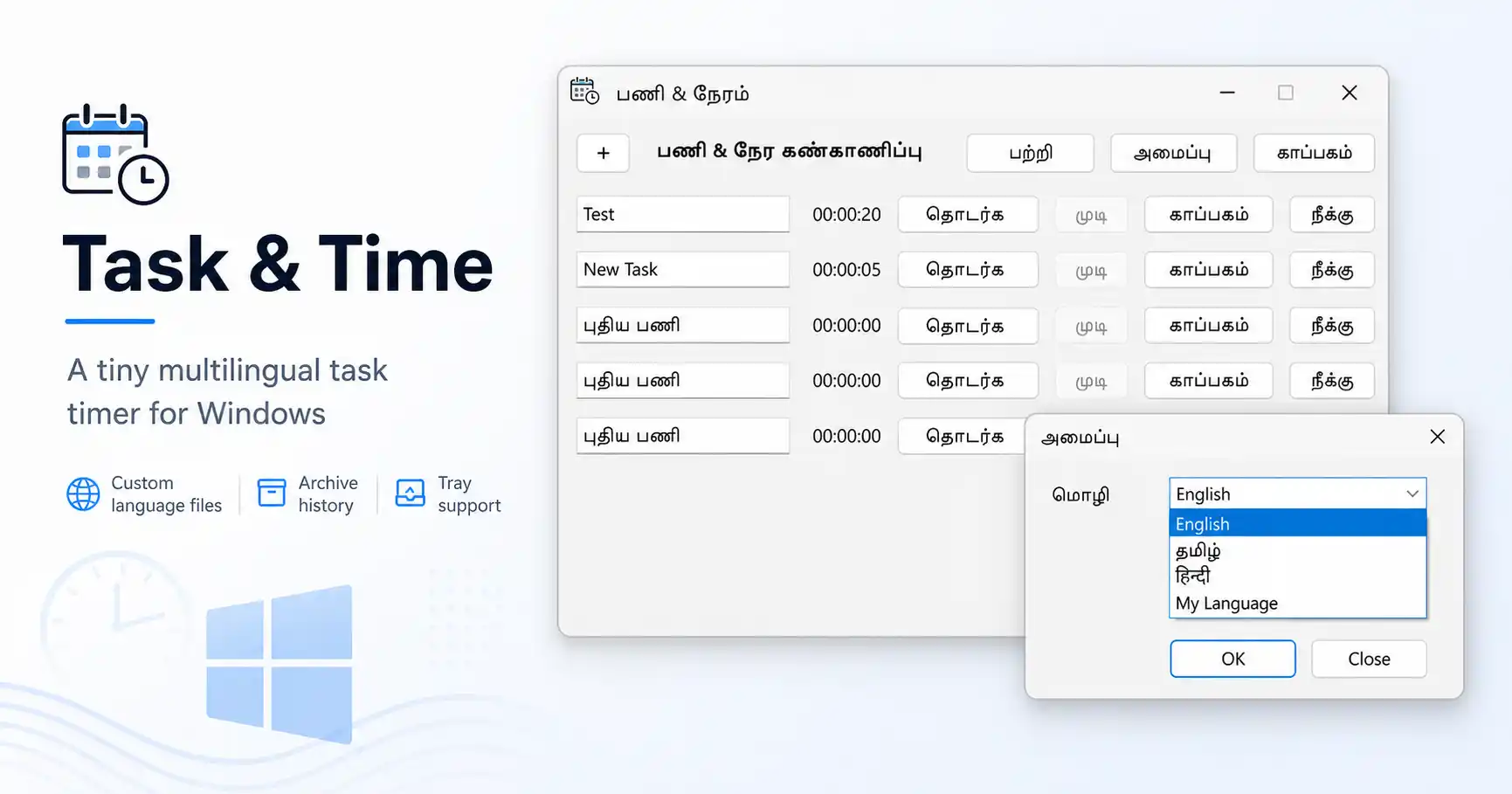
Task & Time — A Tiny Time Tracker That Just Stays Out of Your Way
Most time-tracking apps want a lot from you. An account. A cloud sync. A subscription. A 200 MB installer. A browser tab that eats half your RAM. Task & Time is the opposite of that. It is a single Windows program, about 3.5 MB on disk, that does one thing well: it tracks how much time you…
-
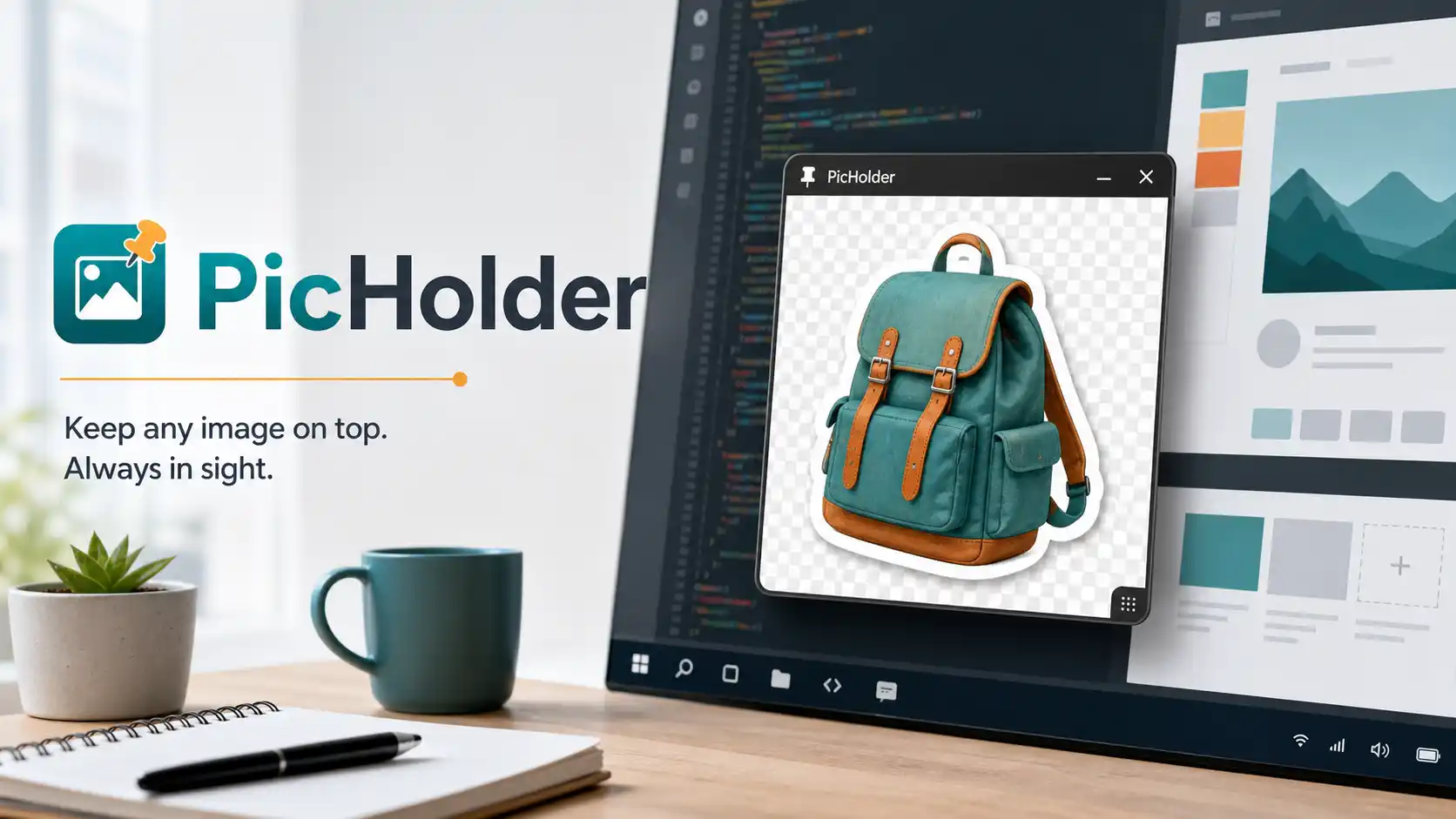
PicHolder: A Tiny Windows App to Keep Reference Images Floating on Your Screen
PicHolder is a small Windows utility built for one useful job: keeping an image floating on your screen while you work in other apps. Instead of switching between windows, opening a full image editor, or constantly dragging a reference file back into view, you can drop an image into PicHolder and keep it visible above…
-
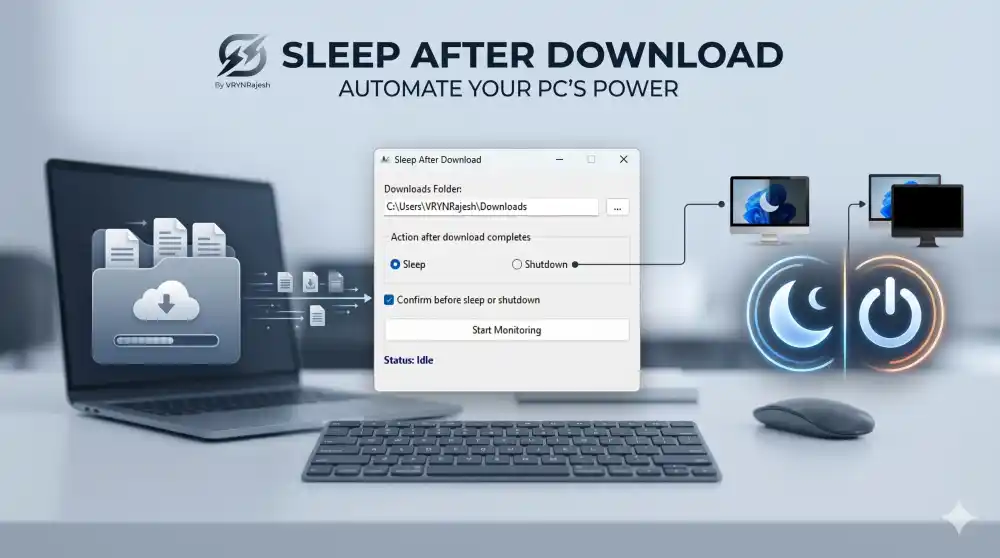
Sleep After Download — Free for Everyone
Big downloads are still a thing. Game patches, ISO images, video projects, model weights, AI training files — they take time, and most of the time you’d rather not sit there and watch the progress bar. I built Sleep After Download to fix that. Start your download, tell the app what to do when it…